
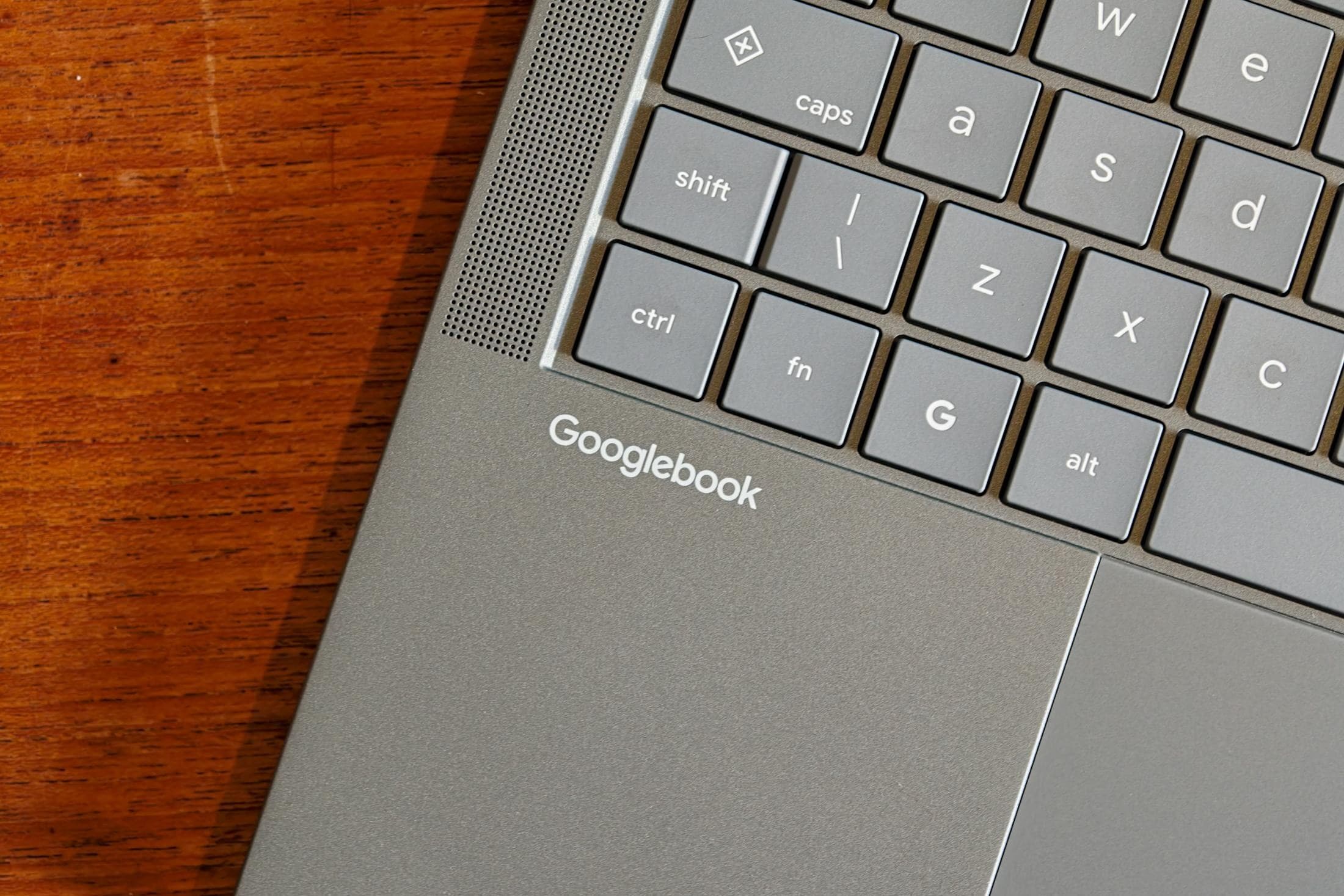
The Googlebook setup process takes a few minutes to complete and is described as an Android through-and-through experience. Users must log into a Google account, register biometric logins, and connect the laptop to a phone to locate backups and applications.
Bluetooth and a shared Wi-Fi network are required for the initial configuration, which defaults to either installing all phone apps or only desktop-optimised versions. An Asus Googlebook formed a reliable connection to an Oppo phone, while an HP model connected to a Vivo X Fold 6 and a Pixel 11 Pro Fold on 11 October.
The system allows casting specific Android apps from a phone to the laptop, where they run on the mobile device while being controlled via the PC. Offline viewing is supported for series from Netflix or HBO Max, but the file transfer system makes accessing phone storage files near-impossible despite showing them as a drive.
Several applications face limitations, including the inability to install Bluesky or Okta from the Play Store on Googlebooks. The Arm-based HP Googlebook cannot run Okta or Bluesky, and the mobile version of Slack remains unworkable in a desktop environment.
Adobe’s Android apps are described as pale shadows of their desktop versions, while Continue On supports Google Drive documents but triggers inconsistently in Gmail and never works for Calendar. WhatsApp notifications do not come through from the phone, and the device cannot receive notifications for a personal and work Gmail account simultaneously.